A week away produces somewhere between 600 and 1,400 photos on one phone, and the pile grows for about four days after you land as other people send you theirs. Left alone it becomes permanent scroll — not lost, exactly, but never looked at again.
The job is smaller than it feels. Done in the right order it is one evening, roughly two hours, and most of that is waiting for files to copy. Done in the wrong order you spend the whole evening on the first two days of the trip and give up.
Do it inside the first ten days
The thing that expires is not the photos, it is the labels in your head. Which town the harbour was in, the name of the dish, whether the ridge was Thursday or Friday. That detail is intact for about a week, sketchy at two, and gone at a month, at which point every remaining photo has to be identified from what is visible in the frame.
Put a real evening in the calendar before you fly home. It is the single scheduling decision that determines whether any of this happens.
Fix the timestamps before you sort anything
Every later step depends on the times being right, and on most trips at least one of these is wrong:
- A second camera with its own clock. A DSLR or an action camera set to home time drops its photos hours away from the phone shots of the same moment. Six time zones east, a 7pm dinner lands at 1pm and interleaves with lunch.
- A phone that updated late. Phones pick up the local zone from the network, but a phone in airplane mode until the hotel wifi can stamp a whole travel day in the departure zone.
- Photos sent through a messaging app. Most chat apps strip location data and rewrite the file date to when it was sent, so eleven photos of Tuesday arrive dated the following Sunday.
Fix these in bulk, not one by one. Photos on macOS has Image, Adjust Date and Time; Lightroom has Metadata, Edit Capture Time; on Windows, ExifTool applies a fixed offset to a whole folder. Select every photo from the offending camera, apply the one offset, done in a minute. Doing it now costs a minute; doing it after you have sorted into albums costs the evening.
Gather the other people's photos first
On a trip with four or more people, a meaningful share of the photos worth keeping are on someone else's phone, for the plain reason that you are in them. Collect before you cut, or you will cut a day down to six photos and then be handed nine better ones.
Ask for originals rather than chat messages. AirDrop, a shared album, or an upload link all keep full resolution and the original capture time; a photo forwarded through a group chat typically arrives at about a quarter of its pixels, which is fine on a screen and visibly soft at 8 by 8 inches in print. Set a deadline when you ask — "before Sunday" gets you the photos, "whenever you get a chance" does not.
Sort by day, not by subject
The instinct is to sort into themes: food, people, landscapes. It reads well as a folder list and is useless later, because nobody remembers a trip in categories. They remember it as days.
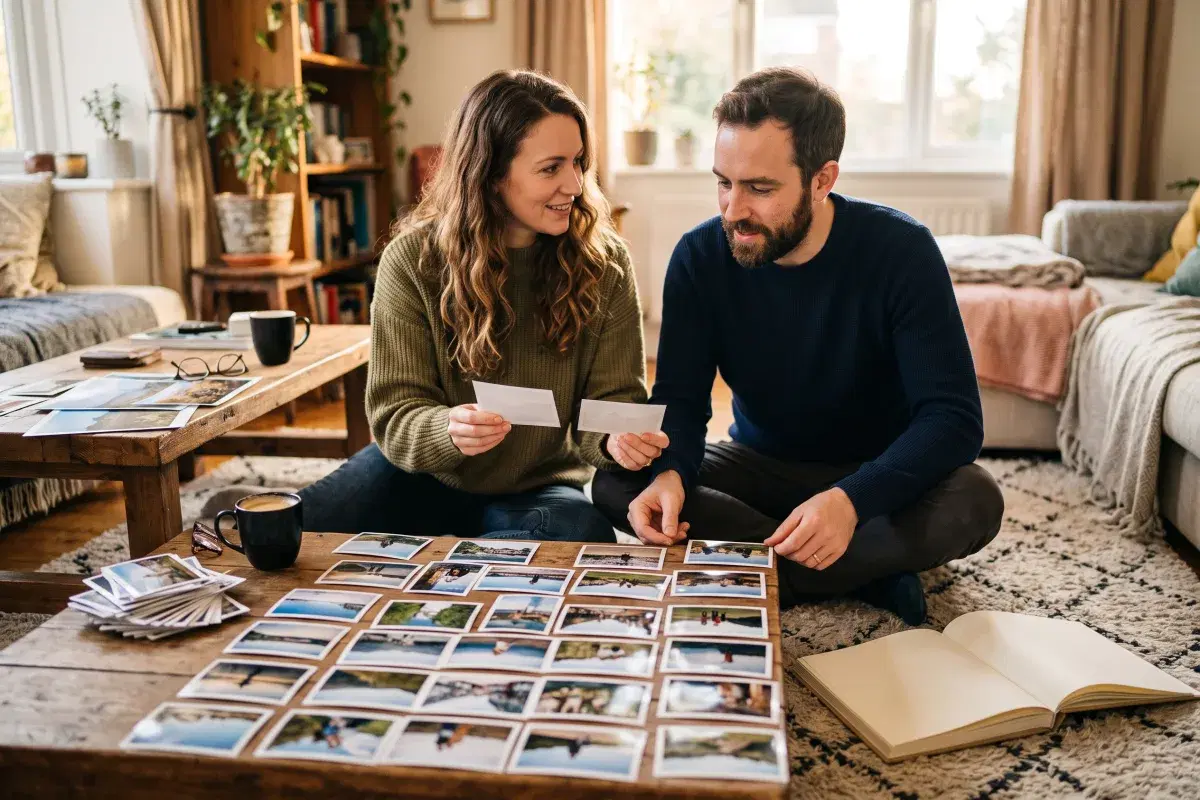
Days are also the only structure the files already carry. Sorting by capture time and cutting at each date boundary gives you the whole trip's outline for free, and once you name each day for where you were — "day 3, coast road to the lighthouse" — you have something you can hand to someone else without narrating it.
This is the step MyTripLogix does for you if you planned the trip in it: photos file themselves against the itinerary as you upload, matched by timestamp and location, so each one lands on the day and the stop it belongs to instead of in one long roll. The free plan takes 50 photos per trip and Pro takes 500 — see the pricing page for what each includes.
Cut in three passes, not one
One pass means judging every photo against every other photo, which is where the evening goes. Three cheap passes are faster and less painful:
- Mechanical. Blurred, black, the accidental shot of your shoe, screenshots of booking confirmations. No judgment required. This is usually 20–30 percent of the roll.
- Duplicates. You took four of the same view. Keep one, and do not deliberate — at this quality of difference the choice does not matter. Another 30 percent.
- Meaning. Of what is left, cut anything that needs a paragraph of explanation to land, and anything that is a photo of a thing rather than of the trip: the menu, the placard, the interesting door.
A 900-photo week comes down to something near 120 that way, which is a set you can actually show someone, and still more than a 20-page book holds.
Back up before you delete
Do the backup between the second and third pass, when the junk is gone and the good photos are still all there. Two copies, one of them not on the phone: a computer plus a cloud service, or an external drive plus a cloud service. A phone is one dropped coffee from being the only copy of the trip.
Then decide what it is for
A tidy album is not the point. Photos that never get printed, sent, or made into anything are in the same state as before, just in neater folders.
Pick the destination while the evening's work is fresh: a shared album for the people who were there, a handful of prints, or a book whose chapters are the days. If it is the book, our guide to that covers how many photos a page holds and how to write captions before the details go.
Let the next trip sort itself
If you would rather not do the filing at all, plan the next trip somewhere the photos can land against it. Start free and the days do the sorting.
Frequently asked questions
Why are my travel photos out of order?
Usually a clock problem. A second camera set to home time, a phone that picked up the local time zone late, or photos forwarded through a chat app that rewrote the file date will all shuffle the order. Fix the offset in bulk before you sort anything.
How many photos should I keep from a week away?
Something near 120 from a 900-photo week. Three passes get you there: the mechanical cut removes 20 to 30 percent, duplicates remove another 30 percent, and the meaning pass takes out photos of things rather than of the trip.
Do photos sent through a group chat keep their quality?
Usually not. A photo forwarded through a group chat typically arrives at about a quarter of its pixels, which looks fine on a screen and visibly soft at 8 by 8 inches in print. Ask for originals through AirDrop, a shared album or an upload link instead.